XVELO
Coming soon to the App Store

Every pitch. Every swing. Measured.

Speed, launch angle and location from your iPhone’s camera, live on your iPad. No radar gun, no sensors, nothing to plug in.

Scroll
Set up in a minute

Your iPhone becomes the radar.

Stand it on a tripod beside the tee or behind the plate and pair an iPad to see every reading. Nothing goes on the bat or the ball.
Watch it work

Film on the iPhone. Read it on the iPad.

Ella hits off the tee, then throws a pitch. The iPhone on the tripod measures each one, and the reading is on the iPad a moment later. The two talk straight to each other, so it works at any field, with no internet.

How it tracks

One camera. Every number.

No radar and no sensors on the bat or ball. The iPhone films in slow motion, and XVelo measures the ball picture by picture, right on the phone. Video never leaves your devices.

Hitting, 1 of 6

Two taps set the scale.

The iPhone stands side-on to the hitter, about 4 m away at hip height, with a cone 1.5 m out from the tee. Tap the bottom of the tee, then the cone, and every pixel has a real size: here, 2.6 mm.

Hitting, 2 of 6

240 pictures every second.

Slow motion takes a new picture every 4.2 milliseconds. A ball leaving the bat at 52 mph moves about 10 cm between pictures, so it shows up as a row of spots.

Hitting, 3 of 6

It finds the ball.

The tripod keeps the picture still, so anything new and bright stands out from the background. XVelo keeps the round, ball-sized spots and joins them, picture to picture, into one track that moves like a ball.

Hitting, 4 of 6

Speed and angle off the bat.

It takes the first 60 milliseconds after contact, 14 pictures, and fits a line through the spots: 1.37 m in 58 ms is 52.4 mph, climbing at 18°.

Hitting, 5 of 6

It reads the swing too.

Apple’s body tracking follows the hitter’s joints in the same pictures. Swing time runs from the hands’ last still moment to contact, and XVelo notes how far the head moved.

Hitting, 6 of 6

Then it flies the ball.

Speed and angle go through a flight model with air drag and backspin. The ball lands on the right-sized field for the player’s age: 112 ft on a 10U field.

Pitching, 1 of 4

Two taps on the plate.

For pitching, the iPhone stands behind home plate. Tap the front corners of the plate. It’s 17 inches wide, so that sets the scale.

Pitching, 2 of 4

The ball grows as it comes.

Coming at the camera, the ball looks bigger in every picture, from 6 pixels at the pitcher’s hand to 26 at the plate. Its size gives its distance, so XVelo knows the moment it reaches the plate, even when the catcher’s glove hides it.

Pitching, 3 of 4

Ball or strike.

The batter’s body sets the zone, from the armpits to the top of the knees. Any part of the ball over any part of the plate, inside that zone, is a strike.

Pitching, 4 of 4

Speed and movement.

Speed is the flight time from the release, the throwing hand’s fastest moment, to the plate: 0.59 s here, so 48.6 mph. The curve of the path, with gravity taken out, shows how far the spin moved it.

Hitting

Every swing, on the field.

Exit speed, launch angle and how far the ball would carry, landing on the right-sized field for the player’s age, from a Little League field to a big-league park.

Pitching

Speed, location, the call.

Where every pitch crossed the plate, how much it moved, and whether it was a ball or a strike, pitch after pitch.

iPad

Pair once. Everyone sees it.

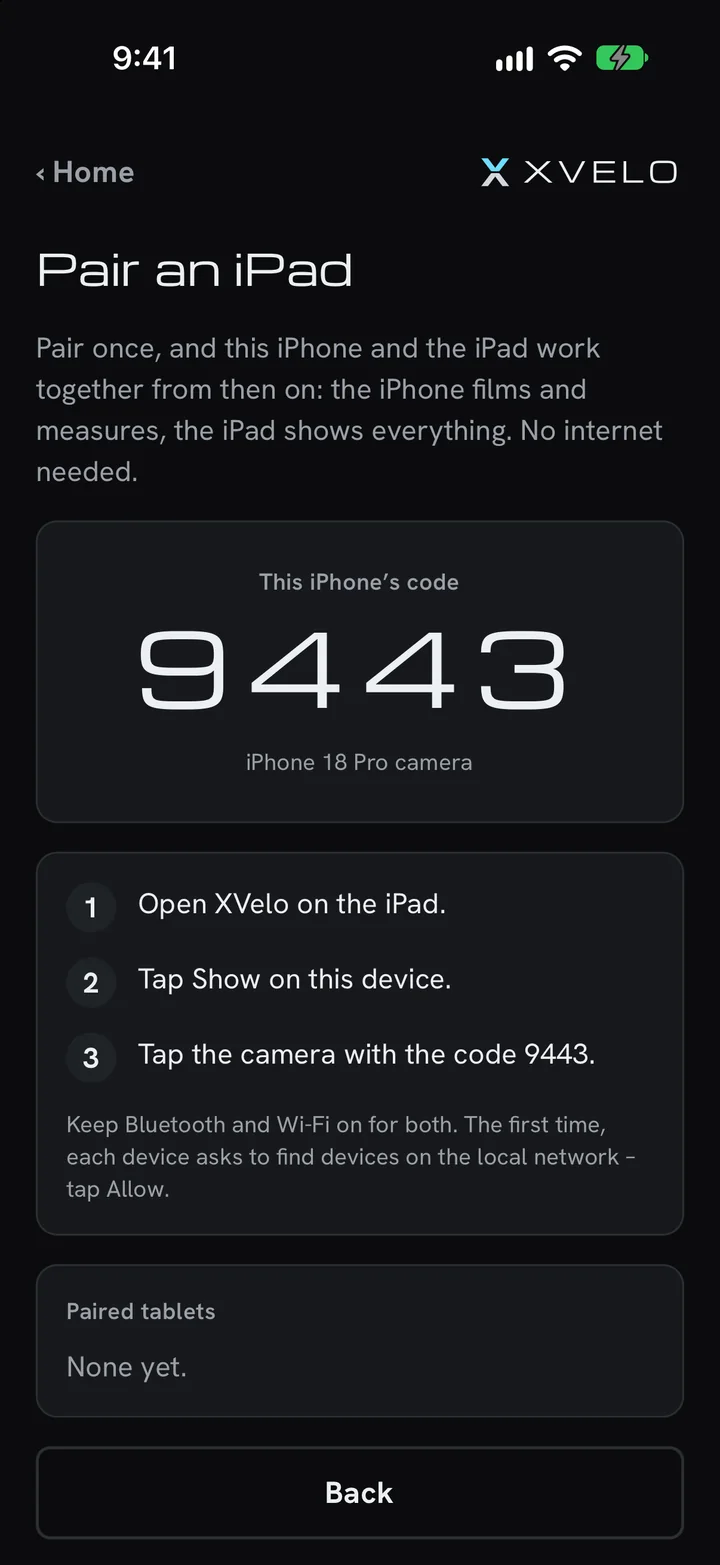
Type the iPhone’s four-digit code on the iPad once. From then on they find each other by themselves, and every reading shows up big. No internet needed.

Widgets

Your numbers, everywhere.

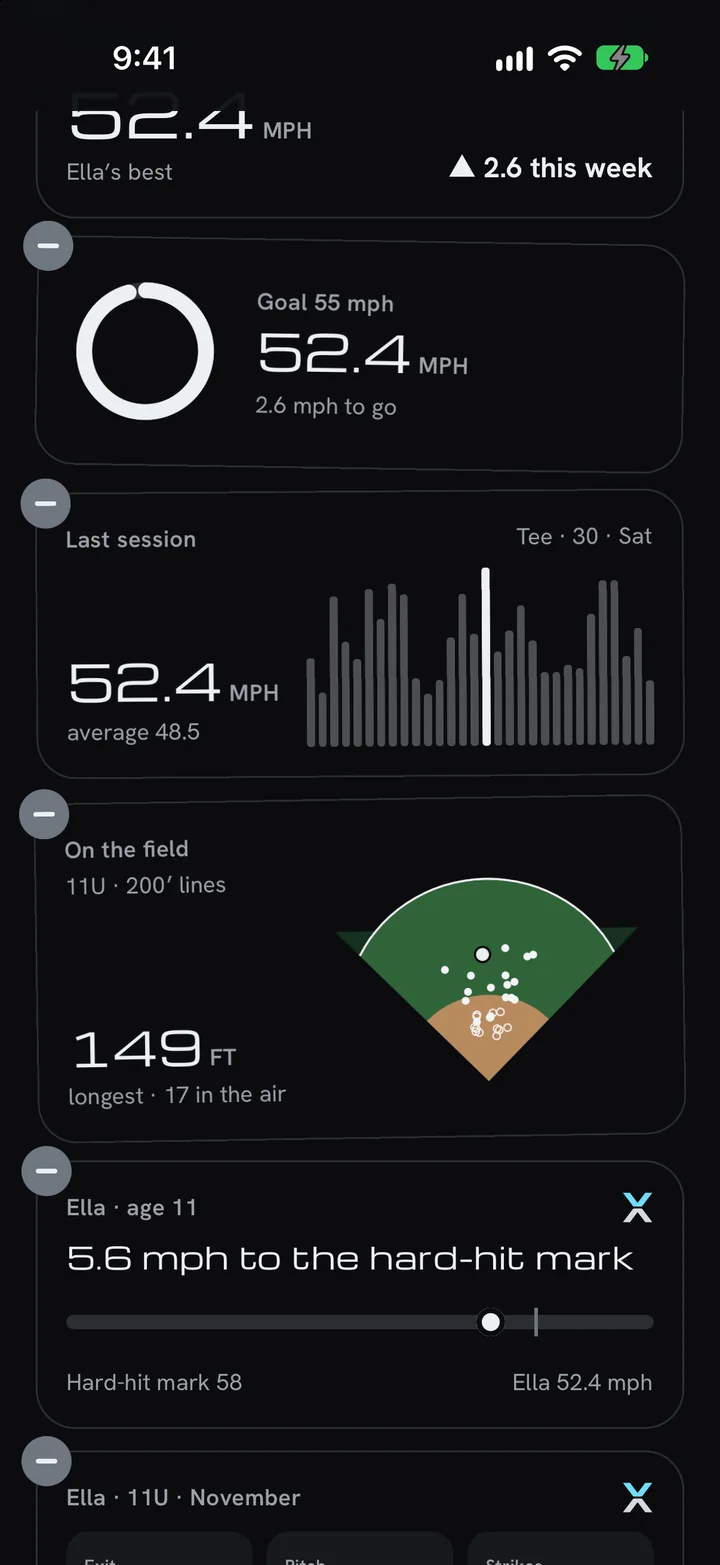
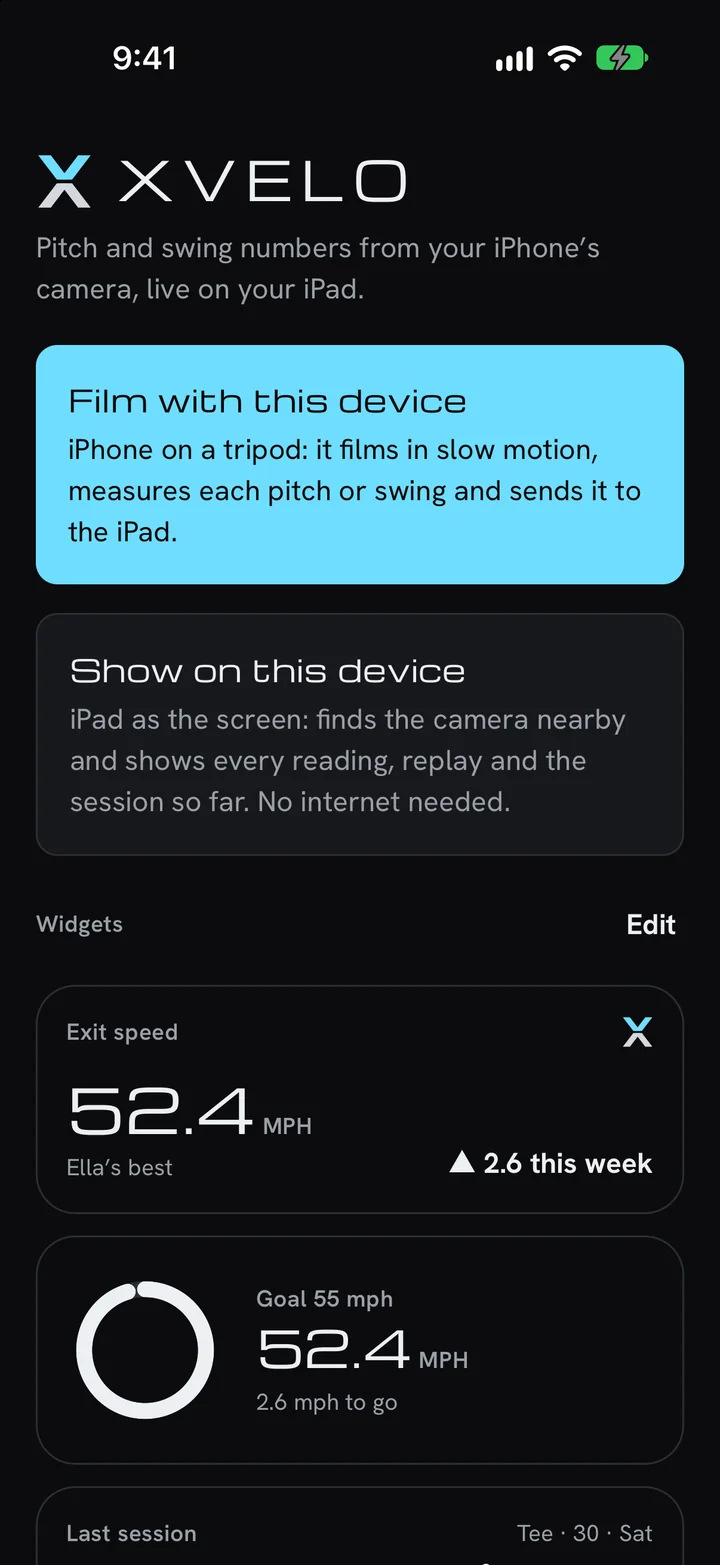
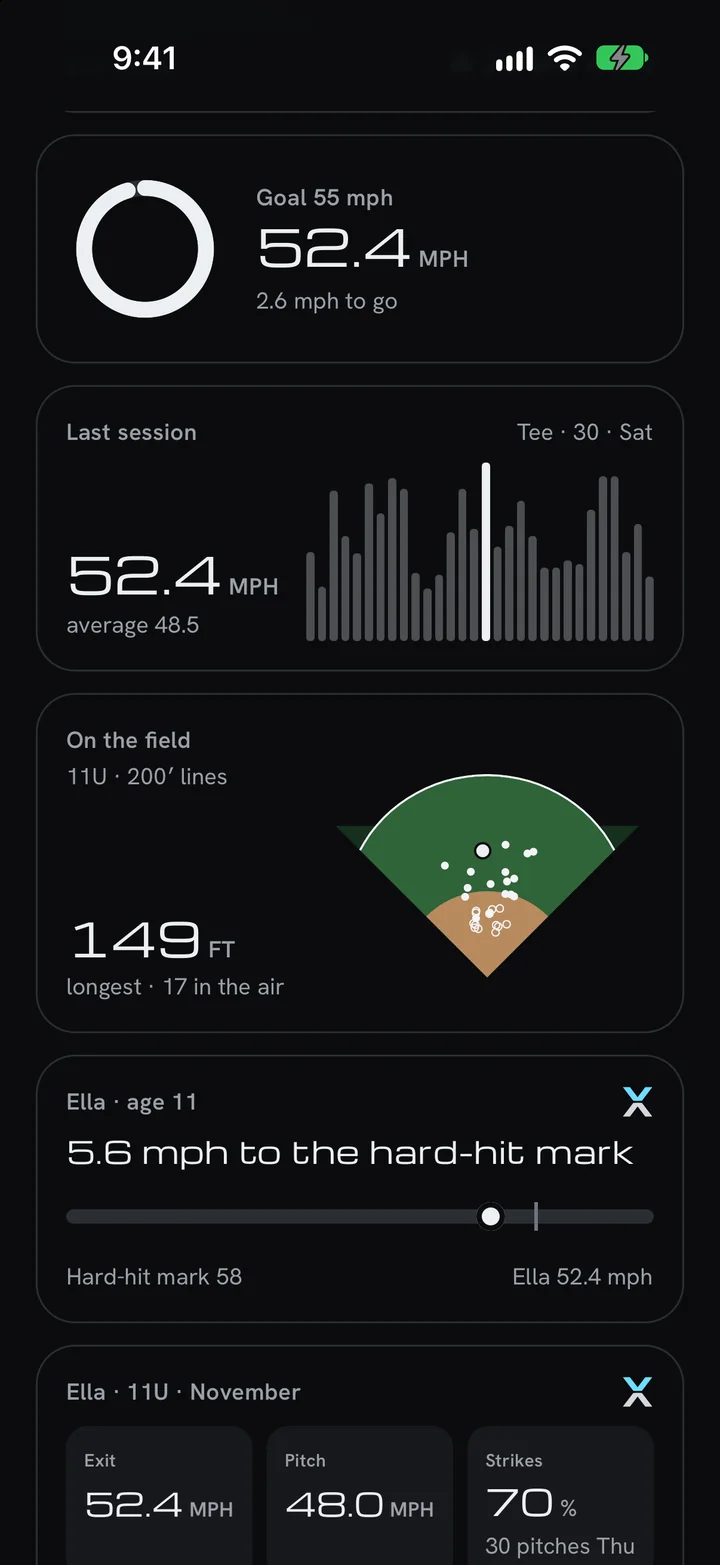
Personal bests, goal rings, the last session and every hit on the field, on your home screen and lock screen.

Customise

Make it yours.

Pick the widgets you want and hold one to drag them into order, just like your home screen. Set a goal for each player, and show speeds in mph or km/h.

Compete

Climb the board.

Points for every hard hit, levels to unlock and a new challenge each week. Leaderboards go by age group, so a 10-year-old is measured against other 10-year-olds.

Friends

Train with your team.

Add teammates with a parent’s OK, compare bests side by side and share a card when a record falls. There’s no messaging, and names show as first name and last initial.

COMING SOON

XVelo for iPhone and iPad is on its way to the App Store. Coaches, academies and families: get in touch to hear first.

Find out more xveloapp@gmail.com